

Amber Matz

Security illustrations by Storyset
Tugboat Premium plans already run Lighthouse on your Previews, so you can see performance, accessibility, best practices, and SEO scores for every change. With Lighthouse Thresholds, each of those reports now gets a Pass or Fail. By default, Tugboat compares each report with your Base Preview. You can also set the minimum score each category must reach.
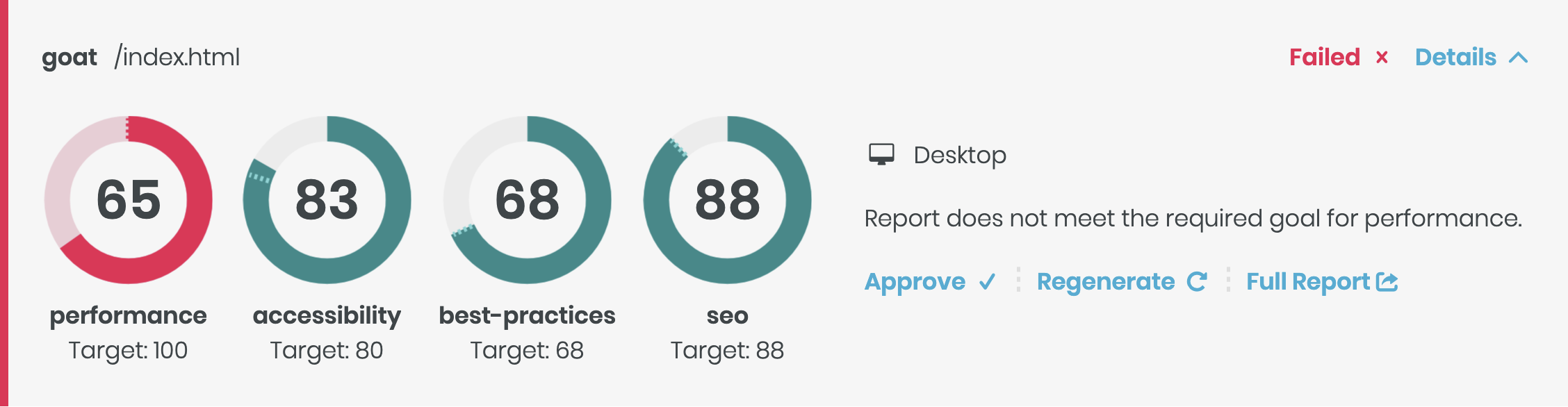
Accessibility and performance problems usually arrive one small change at a time. A new form field ships without a label, or a larger hero image adds a second to the load time. Each one is easy to miss in code review, and over time they can pull a site below the standards it’s expected to meet.
For many sites, accessibility is a compliance requirement set by law or by a client contract. Performance affects SEO, because search engines factor page speed into rankings, and a slower site is harder for people to find.
With thresholds in place, the Lighthouse check on a pull request fails when a change drops a score below your bar. Your team finds out while the change is still in review and easy to fix, long before an audit or a drop in search traffic.
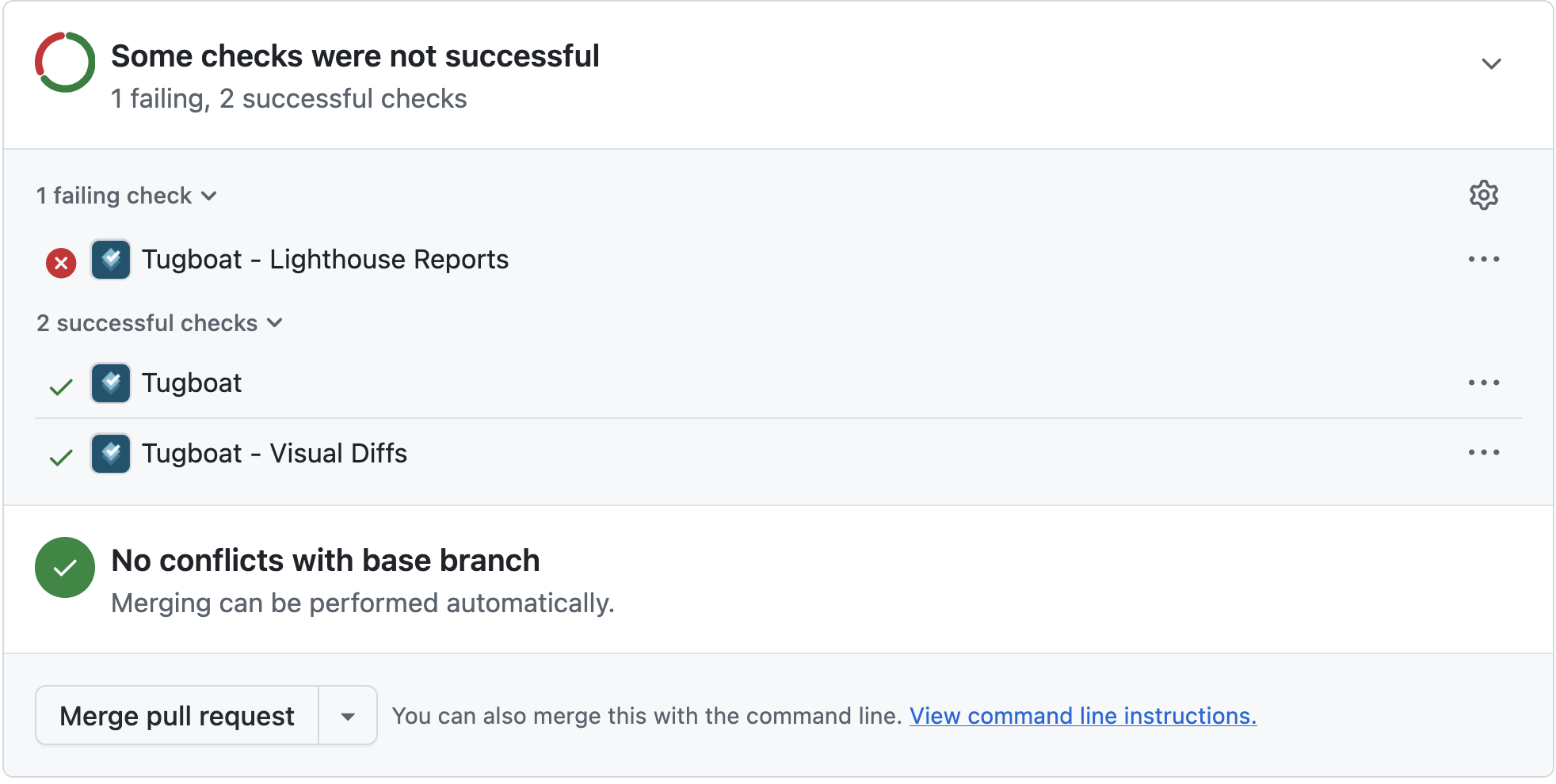
Tugboat compares each Lighthouse report with the matching report in your Base Preview. When a category scores lower than it did in the Base Preview, the report fails. You don’t need to change your config.yml for this.
By default, a drop of even one point fails the report. Lighthouse scores vary a little from run to run, so you may want to allow a tolerance, or require specific scores. To do that, add a threshold to the lighthouse block in your config.yml. This example requires a score of 90 in every category, with a tolerance of 5 points:
services:
  apache:
    lighthouse:
      threshold:
        threshold: 90
        tolerance: 5
    urls:
      - /
      - /blog
You can set a different bar for each category, so your accessibility target can be stricter than your performance one. When a failure is one your team accepts, approve the report.
Lighthouse Thresholds are available now on Tugboat Premium plans. See all the configuration options in our documentation, Use Lighthouse Thresholds. Curious about how this and other Tugboat features can help your team deliver high-quality software consistently? Schedule a demo today.
Get monthly updates with articles, new features, and case studies.


